

Turn on sharing
1
Open the Connectors dialog
In the app, switch the sidebar to Assistant and select Connectors at the bottom of the chat list.
2
Open the Share tab
Turn on Share this Assistant.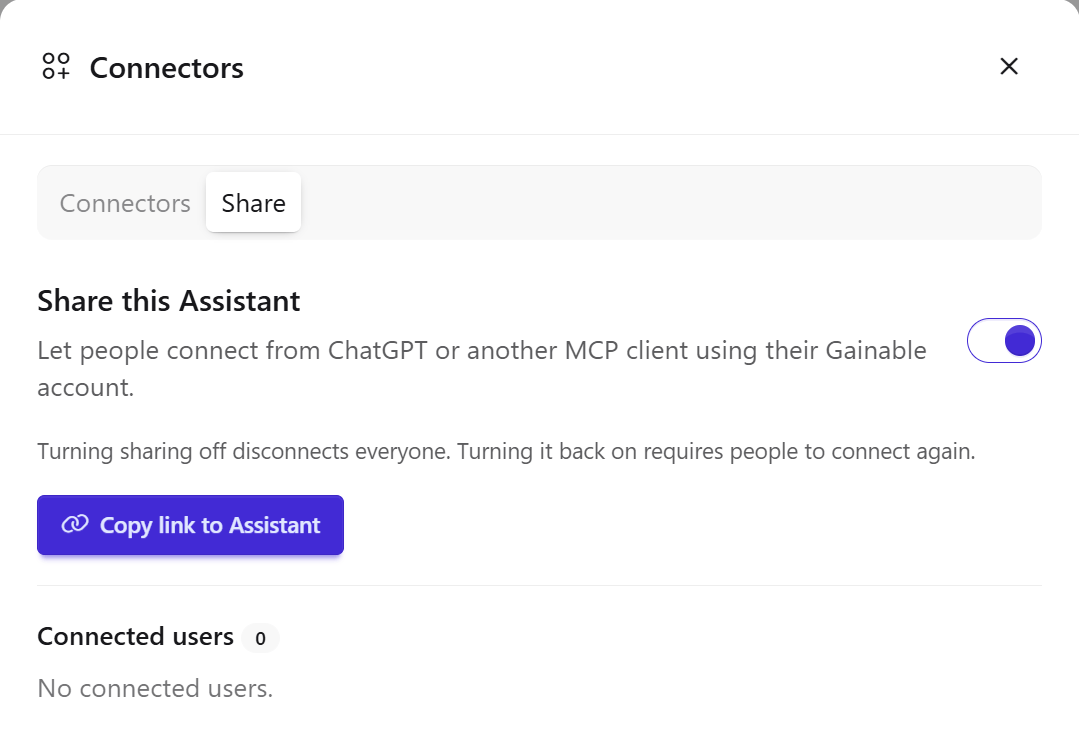
3
Send people the link
Select Copy link to Assistant and send it to the people who should use it. They add it to their AI tool as a connector. People in the app can also copy the link themselves, from Connectors. See Your apps in Claude and ChatGPT.