

From data to app
1
Connect your sources
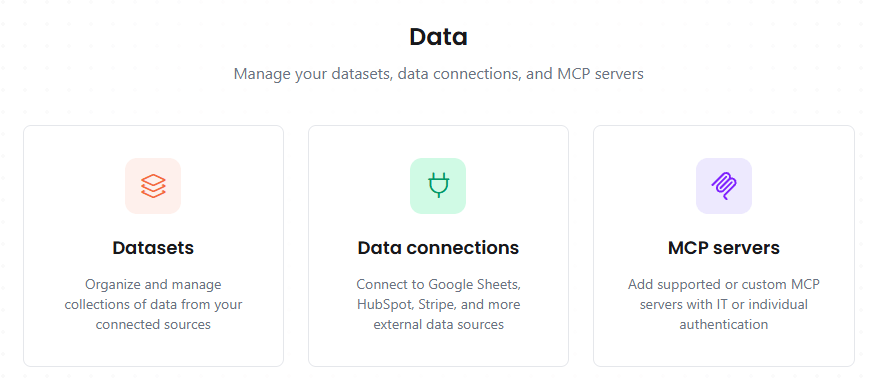
Upload Excel or CSV files, or add a data connection for a tool you use. For a source that has no connector, your AI tool can collect the data for you. See Bring any source.
2
Put them in a dataset
Gaia analyzes the sources together into one data model and links records across them. When you build straight from files, it creates the dataset for you. See Datasets.
3
Build from it
Select Add data under the prompt on build.gainable.dev and pick your dataset, and Gaia writes the prompt from it. See Build from data.
4
Keep it current
Sync the dataset when its sources change. Edits people make in the app are kept. See Keep data in sync and the app’s Data page.
Next steps
Datasets
Create a dataset and keep it in sync
Data connections
Connect HubSpot, Stripe, Airtable and more
Bring any source
Let your AI tool collect data from anywhere
MCP servers
Give the Assistant tools outside Gainable