

Notifications
Select the bell. Notifications from all of your apps are listed together: someone mentioned you or reacted, the Assistant answered in a chat or a comment thread you’re in, or a scheduled task has something to say.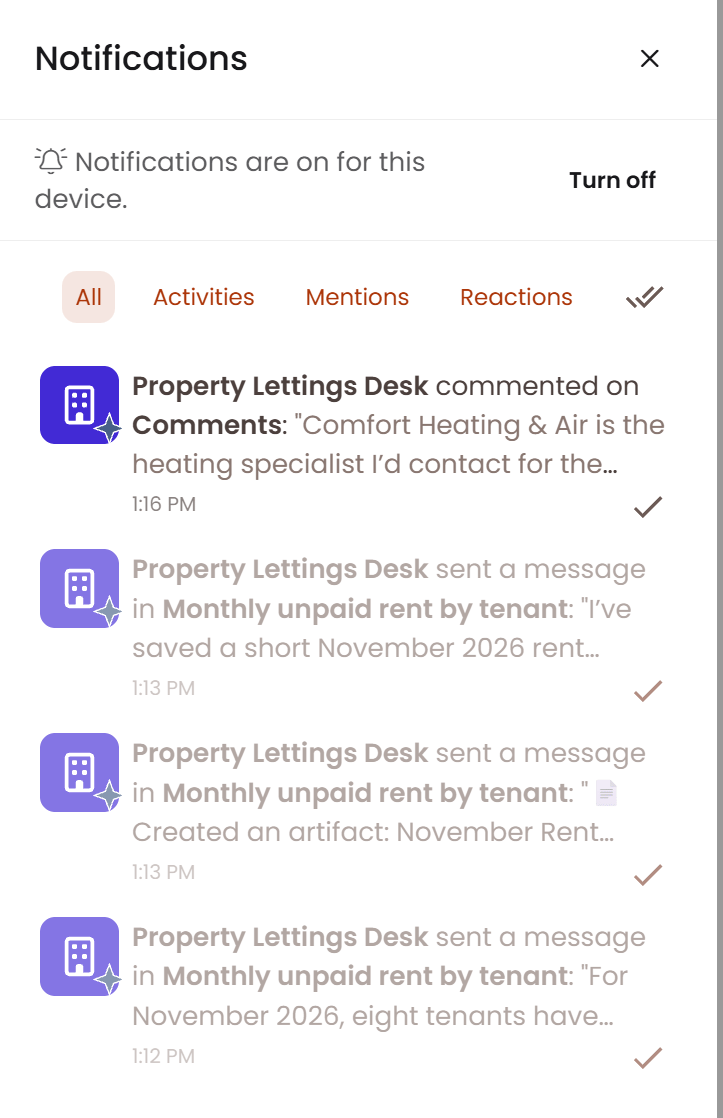
- Filter by All, Activities, Mentions or Reactions.
- Select a notification to go straight to it. A notification about a record opens that record, on the right tab, for example Comments.
- Use the check mark on a notification to mark it as read, or the double check mark at the top to mark them all as read.
On this device
At the top of the panel, select Turn on to get notifications on this device even when Gainable isn’t open. Turn off stops them. If your browser blocks notifications for the site, allow them in the browser’s settings. On a phone, see Gainable on your phone.Messenger
Select the chat icon to open the Messenger: direct and group conversations with the people in your Gainable account.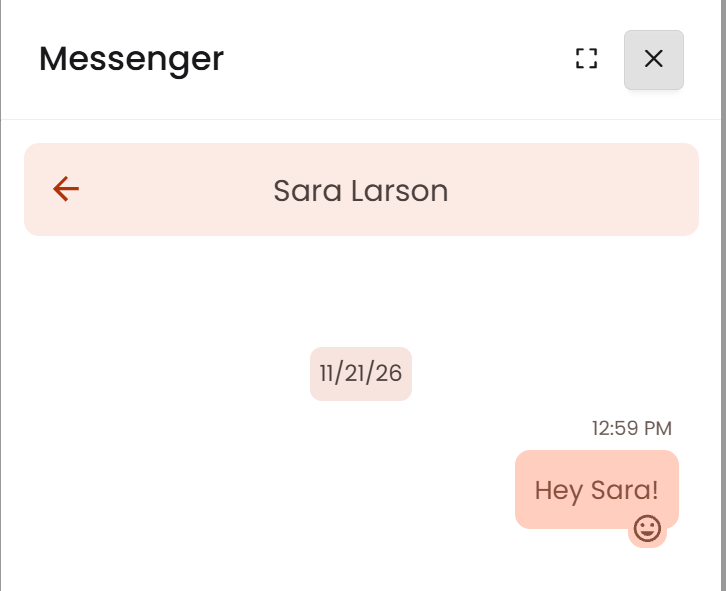
- Select + to start a conversation with one or more people.
- Search your conversations with Search for conversations….
- Attach files with + next to the message box.