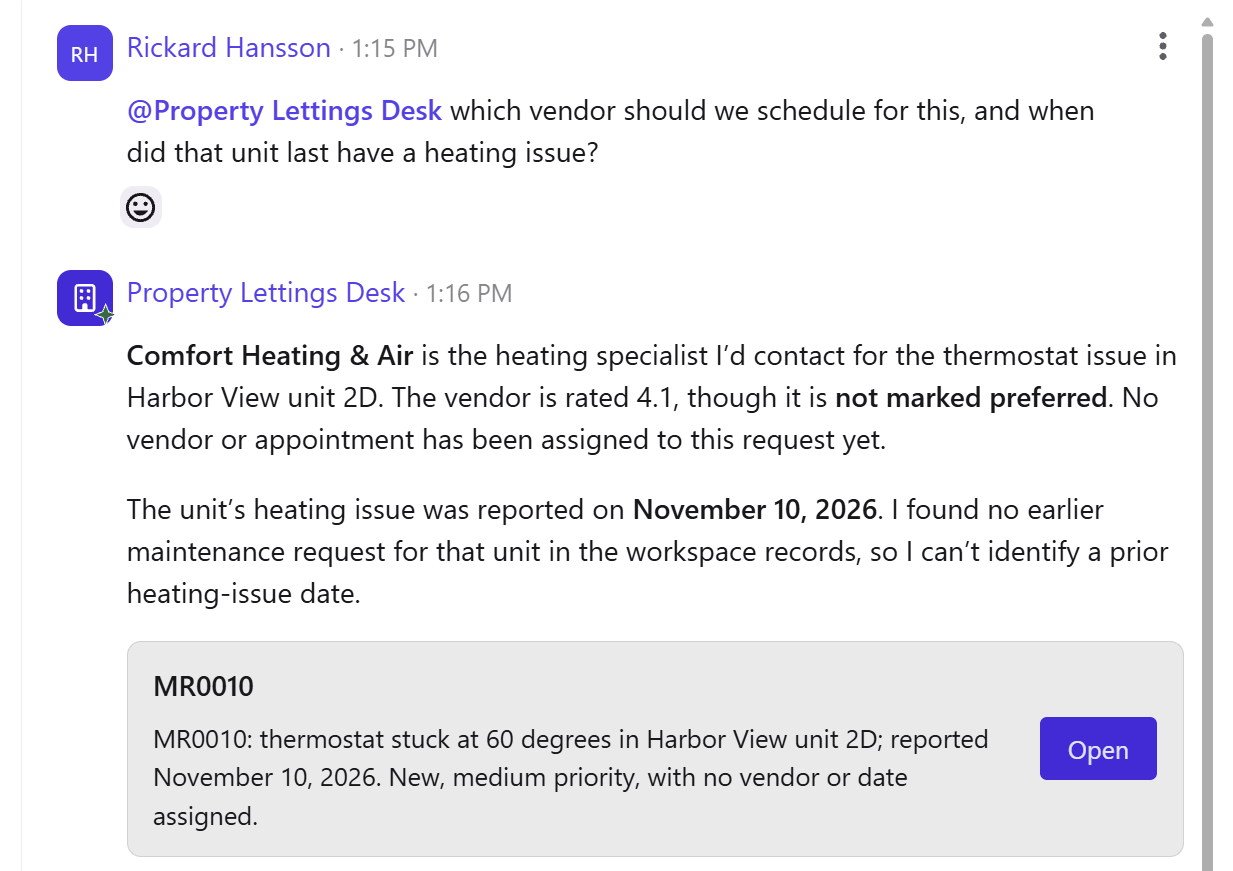
Your app’s Assistant may have its own name, such as “Property Lettings Desk” in the examples below. These docs call it the Assistant.
Start a chat
In the app, switch the sidebar from Browse to Assistant. Type what you need, or pick one of the suggested starters under the message box. The Assistant reads the app’s live records before it answers. When an answer is about specific records, it adds a card for each one. Select Open to go straight to that record.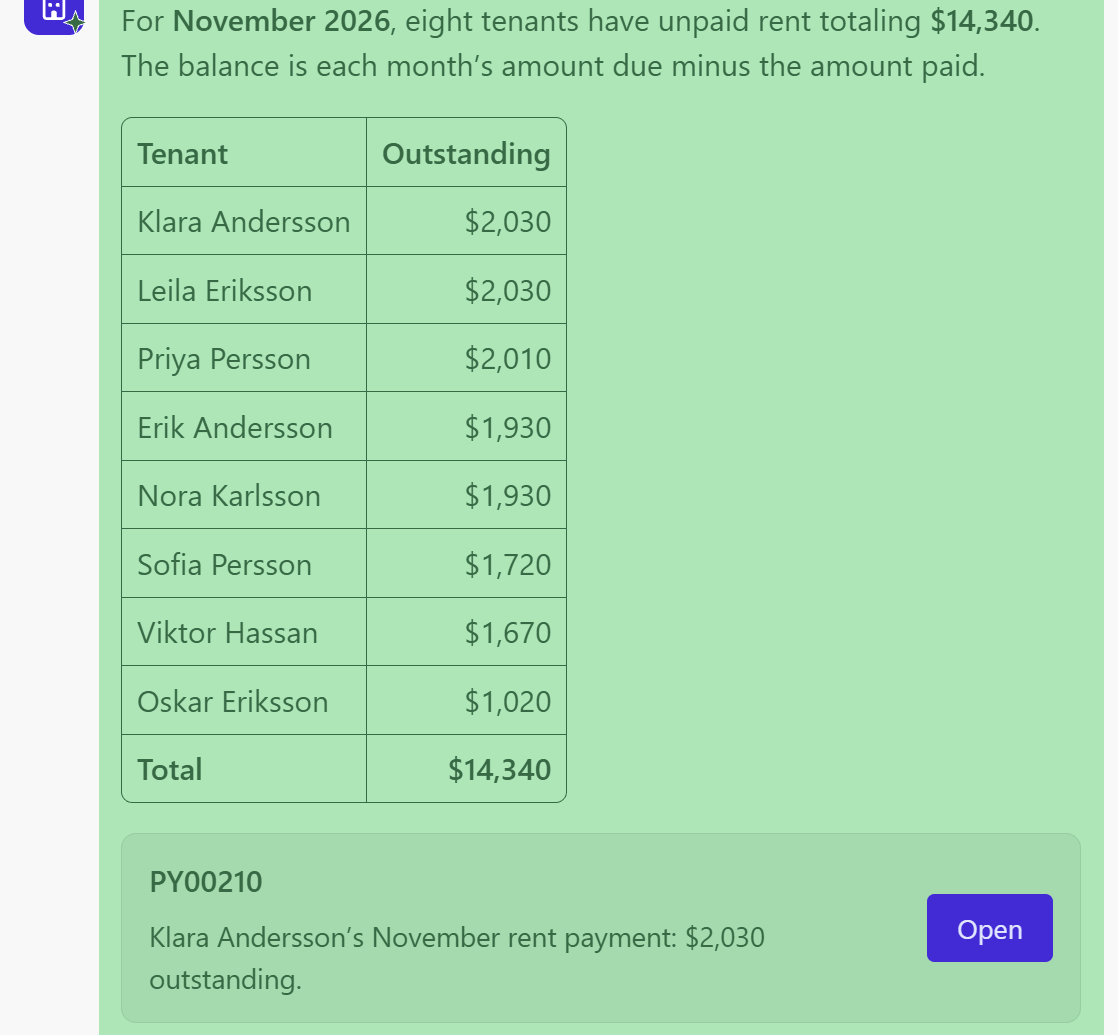
Documents and diagrams
Ask for a letter, a summary, a report or a plan, and the Assistant writes it as a document in the chat. When a process or a breakdown is quicker to show than to explain, it draws a diagram.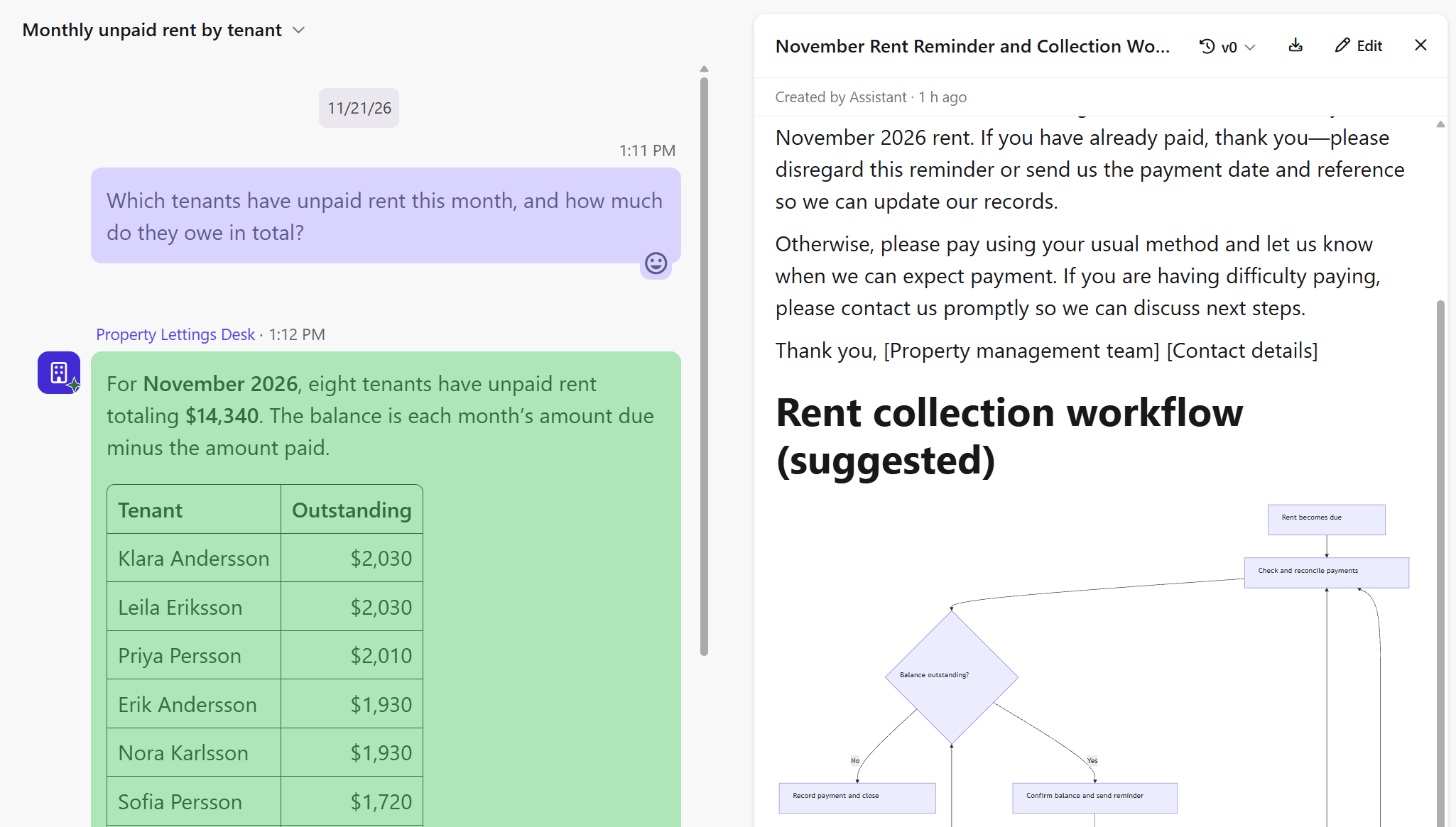
Bring colleagues in
Chats can be shared. Select Invite in the People panel on the right and pick a colleague from the app. They join the chat, see everything in it, and can talk to the Assistant too.Mention the Assistant on a record
You don’t have to leave a record to get help with it. Open the record, go to Comments, type @ and pick the Assistant. It answers in the comment thread, using that record and anything related to it.